Introduction
Building software has traditionally required skilled developers, significant budgets, and months of development work. But today, businesses have a faster and simpler option known as No-Code Development.
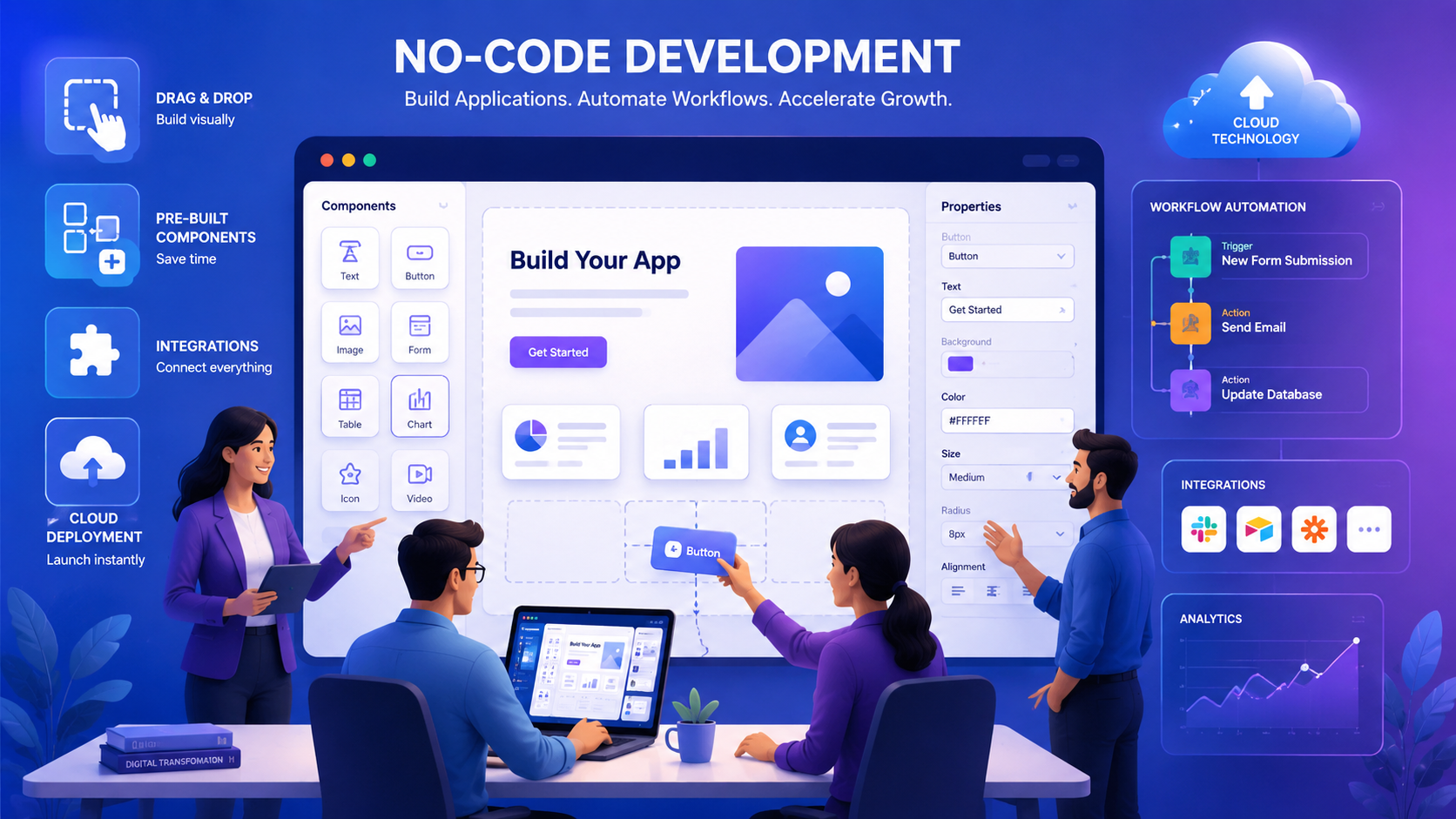
No-code platforms allow people to create websites, apps, workflows, and business tools without writing programming code. Using drag-and-drop features and ready-made components, even non-technical users can build functional applications.
As more businesses focus on digital transformation, no-code development is becoming a popular solution for startups, small businesses, and large organizations. It helps teams launch projects faster, reduce costs, and improve productivity. However, like any technology, it comes with both advantages and limitations.
Let’s explore the benefits and challenges of no-code development in simple terms.
What Is No-Code Development?
No-code development is a way of building software without traditional coding.
Instead of writing thousands of lines of code, users can create applications using visual tools, templates, and drag-and-drop builders. These platforms handle most of the technical work behind the scenes, making software development accessible to a wider audience.
Popular no-code platforms are commonly used to build websites, mobile apps, customer portals, business dashboards, and workflow automation systems.
Faster Application Development
One of the biggest reasons businesses choose no-code platforms is speed.
Traditional software projects can take weeks or even months to complete. With no-code tools, businesses can build and launch applications much faster because many features are already available as pre-built components.
This allows companies to respond quickly to market changes, test new ideas, and launch products before competitors.
Lower Development Costs
Hiring developers, designers, and technical experts can be expensive. For startups and growing businesses, these costs can become a major challenge.
No-code platforms reduce development expenses by allowing existing team members to create applications without extensive programming knowledge. Businesses can save money while still building useful digital solutions.
This makes no-code development especially attractive for small businesses and organizations with limited budgets.
Easy for Non-Technical Users
One of the most appealing features of no-code development is its simplicity.
People from departments such as marketing, sales, human resources, and operations can build tools and automate tasks without depending entirely on IT teams.
This gives employees more control over their work processes and reduces delays caused by waiting for technical support.
Better Business Flexibility
Business needs can change quickly. A process that works today may need improvement tomorrow.
No-code platforms make it easy to update workflows, add new features, or modify applications whenever needed. Businesses can adapt faster without starting development projects from scratch.
This flexibility helps companies stay competitive in rapidly changing industries.
Encourages Innovation
Many great business ideas never move forward because development costs are too high or resources are limited.
No-code development removes many of these barriers. Teams can quickly build prototypes, test new concepts, and gather feedback before making larger investments.
Because creating applications becomes easier and less expensive, businesses are more willing to experiment and innovate.
Simplifies Workflow Automation
Many daily business activities involve repetitive tasks that consume valuable time.
No-code platforms can automate processes such as:
- Employee onboarding
- Lead management
- Customer support workflows
- Approval processes
- Data collection and reporting
Automation reduces manual work, improves efficiency, and helps employees focus on more important tasks.
Easier Maintenance
Traditional software often requires ongoing technical maintenance, updates, and security patches.
Most no-code platforms manage these responsibilities automatically. Updates are handled by the platform provider, allowing businesses to focus on operations rather than technical management.
This reduces the burden on internal teams and keeps applications running smoothly.
Limited Customization Options
While no-code platforms are powerful, they are not suitable for every situation.
Businesses with highly specific requirements may find that some platforms do not offer enough customization. Since applications are built using predefined components, certain advanced features may be difficult or impossible to implement.
Organizations that require unique functionality may eventually need traditional software development.
Scalability Can Be a Challenge
No-code applications work well for many small and medium-sized projects.
However, as an application grows and handles larger amounts of data or users, performance limitations may appear. Some platforms are not designed to support highly complex enterprise-level systems.
Businesses planning significant growth should carefully evaluate the scalability of their chosen platform.
Dependence on the Platform Provider
When using a no-code platform, businesses rely heavily on that provider’s technology and services.
If pricing changes, features are removed, or the platform experiences issues, users may have limited control. Moving applications to another platform can also be difficult.
For this reason, selecting a trusted and reliable provider is an important business decision.
Integration Limitations
Most no-code platforms offer integrations with popular business tools.
However, organizations that use complex systems or older software may face challenges when connecting everything together. Some advanced integrations may require additional development work or may not be supported at all.
Businesses should evaluate integration requirements before choosing a platform.
Security and Compliance Considerations
Security is important for every business, especially those handling sensitive customer information.
Although many no-code platforms provide strong security features, organizations in industries such as healthcare, finance, and government should carefully review compliance requirements.
Before adopting a no-code solution, businesses should confirm that the platform meets their security and regulatory needs.
When No-Code Development Makes Sense
No-code development is a great option for businesses that need:
- Internal business tools
- Workflow automation
- Customer portals
- Startup applications
- MVP development
- Rapid prototypes
- Small and medium-sized business solutions
For these types of projects, no-code can save time, reduce costs, and improve productivity.
When Traditional Development Is a Better Choice
Traditional software development may be the better option when businesses need:
- Highly customized applications
- Large enterprise systems
- Complex SaaS products
- Advanced AI solutions
- High-performance platforms
- Strict security and compliance controls
In these situations, custom coding provides greater flexibility and control.
Final Thoughts
No-code development is changing the way businesses build software. It makes application development faster, more affordable, and accessible to people without programming experience.
The ability to create applications quickly, automate workflows, and reduce development costs makes no-code an attractive solution for many organizations. However, businesses should also consider limitations related to customization, scalability, integrations, and long-term flexibility.
The best approach is to evaluate your business goals and project requirements carefully. For many companies, no-code development can be an excellent tool for innovation and growth, while traditional development remains valuable for more complex projects.
As technology continues to evolve, no-code platforms will likely play an even bigger role in helping businesses build smarter and faster digital solutions.
